Family connection setup at home
Practice a few simple ways to keep family photos, plans and calls close at hand.
We show you how and you do it with us, so you can do it again on your own.
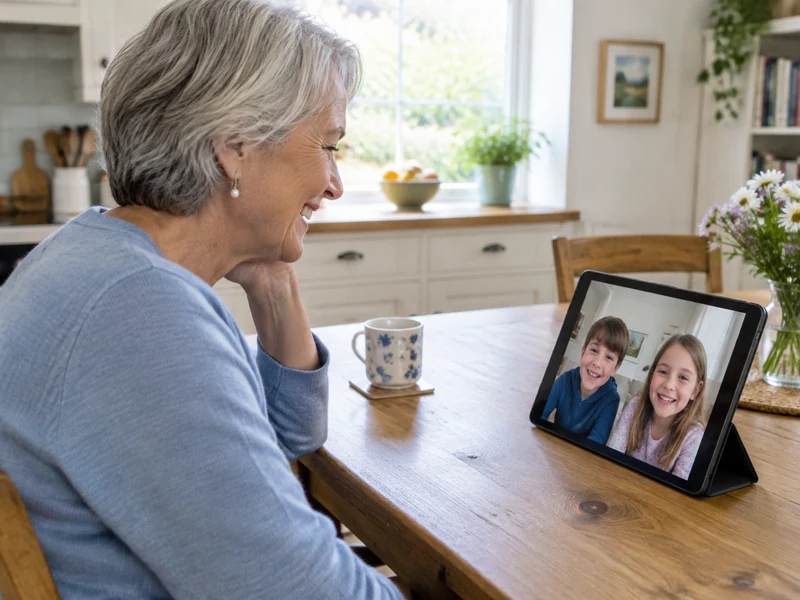
What we can do
- Create a shared photo album and choose who to invite
- Start a group chat with family members who agree
- Practice sending a picture to the right group
- Set up a shared calendar and check viewing permissions
- Add video-call favorites or supported home-screen shortcuts
- Practice a call and adjust notification settings yourself
Good to know
- Visits start at $60 an hour, one hour minimum. Most tech pros charge $60 to $100 an hour.
- We show you how and you do it with us, so you can do it again on your own.
- Tech pros never log into bank or money accounts or buy anything for you.
- Invite people only with their agreement. You review sharing permissions and make every change yourself.
You'll finish booking on Home Happenings.
Questions
Does everyone need the same kind of phone?
Not always. Choose an app that works on the devices your family uses. Some features are limited to particular devices or apps.
Can we make calling family easier?
Yes. Where your device supports it, practice adding favorites or home-screen shortcuts and making a test call.
Who can see our shared calendar?
That depends on the invitations and permissions you select. Review them together before sharing, then check them in the app.
Try the free guide
Tech help in North Jersey
Local library tech resources
These libraries have listed tech programs. Check the town page and ask the library about your question.